If the offers, invoices or notifications you send to customers don't arrive, the problem is often not in the message but in your domain settings. Gmail, Yahoo and Microsoft (Outlook) have tightened their rules in recent years: mail that doesn't prove the identity of its domain either goes to spam or is not accepted at all. The requirements first applied to senders of thousands of messages a day, but in practice they affect small companies' mail too.
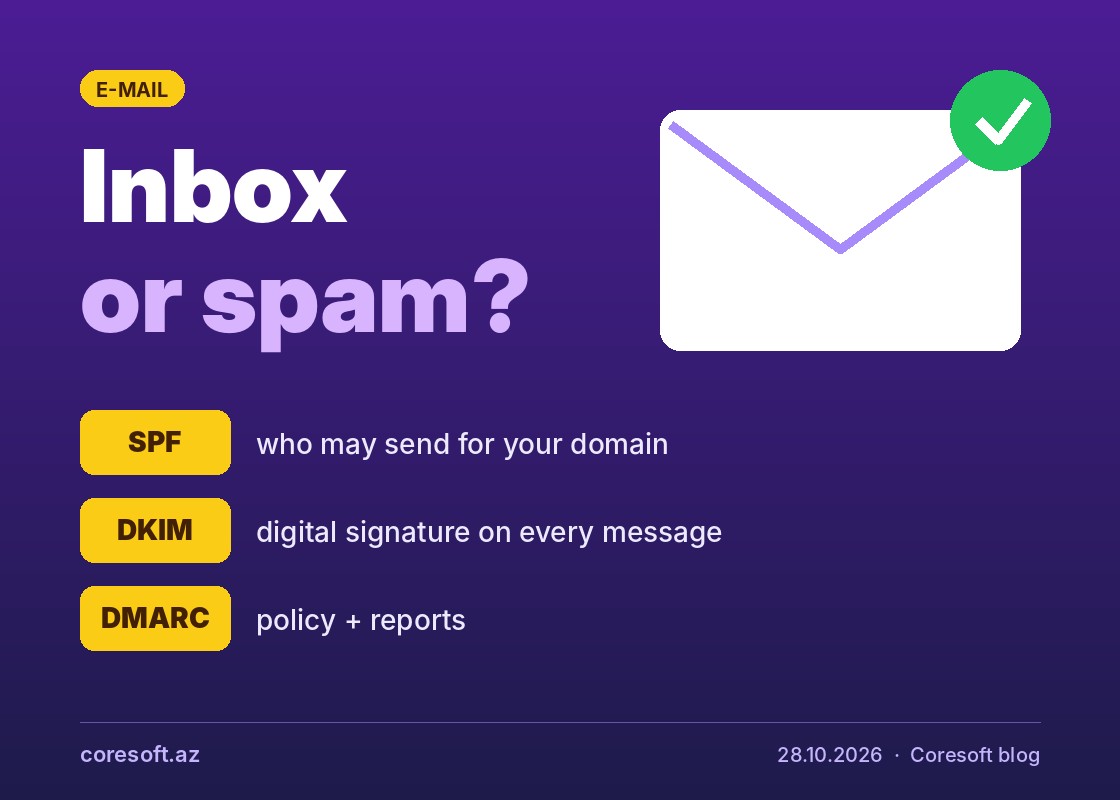
Every business domain needs three records:
- SPF lists the servers allowed to send mail on your behalf.
- DKIM adds a digital signature to each message and proves it wasn't changed on the way.
- DMARC tells receivers what to do with mail that fails these checks and sends you reports. It also stops others from sending fake mail in your domain's name.
The mistakes we see most often: two separate SPF records for one domain, a service added later (a CRM or newsletter tool) missing from SPF, DKIM enabled for only one service, and no DMARC at all. You can check your domain with free tools such as Google Admin Toolbox and MXToolbox.
Support from Coresoft
The Coresoft team sets up business e-mail for companies: on your own mail server, or on Google Workspace, Microsoft 365 and Zoho Mail. We configure SPF, DKIM and DMARC correctly, test delivery and migrate from your old mail without interrupting your work. To use this service, contact us.