

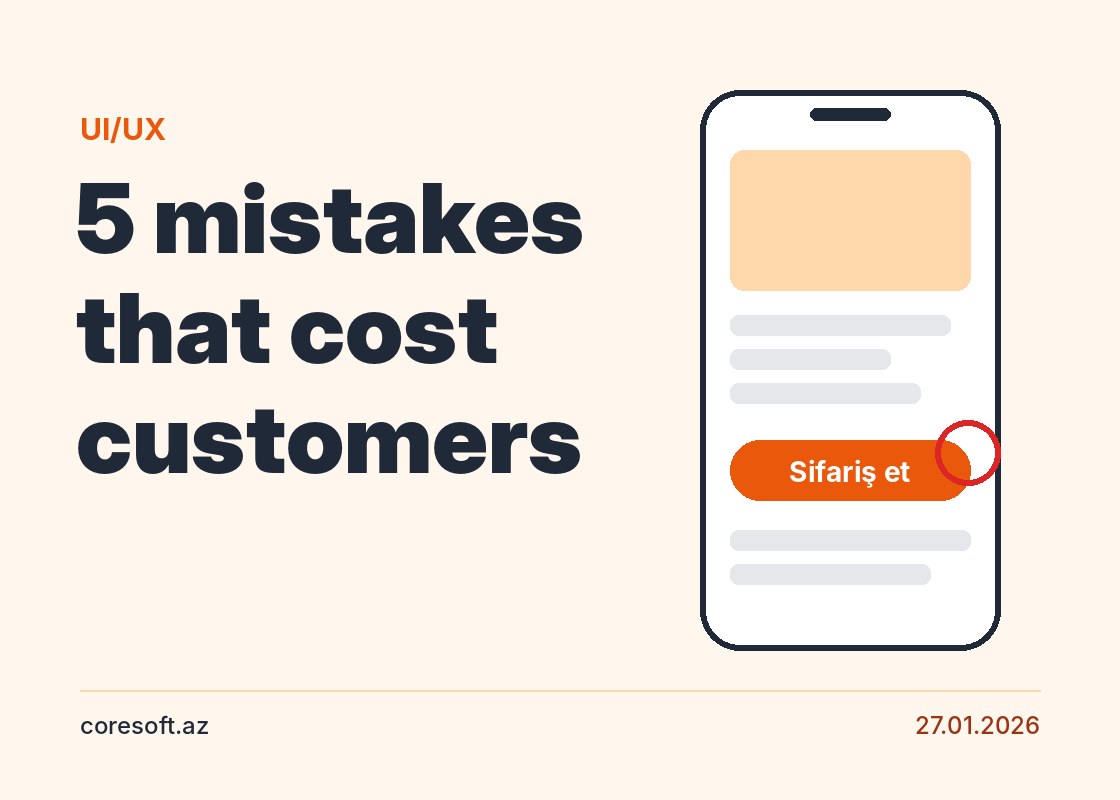
If a visitor can't find what they want within a few seconds, they leave. Usually the reason isn't a bad design but a design that ignores how people actually use it. These are the five mistakes we see most often.
1. Mobile comes as an afterthought. Most visitors arrive on a phone. Tiny buttons, tables that don't fit the screen and heavy images lose them straight away.
2. The main action isn't clear. Nobody should have to hunt for the "order", "call" or "send a request" button. Each page should have one main goal, and it should stand out.
3. Long, complicated forms. Every extra field means fewer requests. Ask only for what you really need and show errors next to the field in plain words.
4. Text that's hard to read. Small fonts, weak contrast and long blocks of text tire readers out. Short paragraphs, headings and enough white space make content easy to read.
5. A confusing menu. A menu with dozens of items confuses people. Name sections in words your customers understand and keep the most important pages one click away.
Most of these mistakes are fixed with small changes, and the effect shows quickly in the number of requests.
Support from Coresoft
Coresoft creates UI/UX design based on how users actually behave and reviews the usability of existing websites. To use this service, contact us.